


 Monetization
Best Free AI Design Tools for Small Business Owners
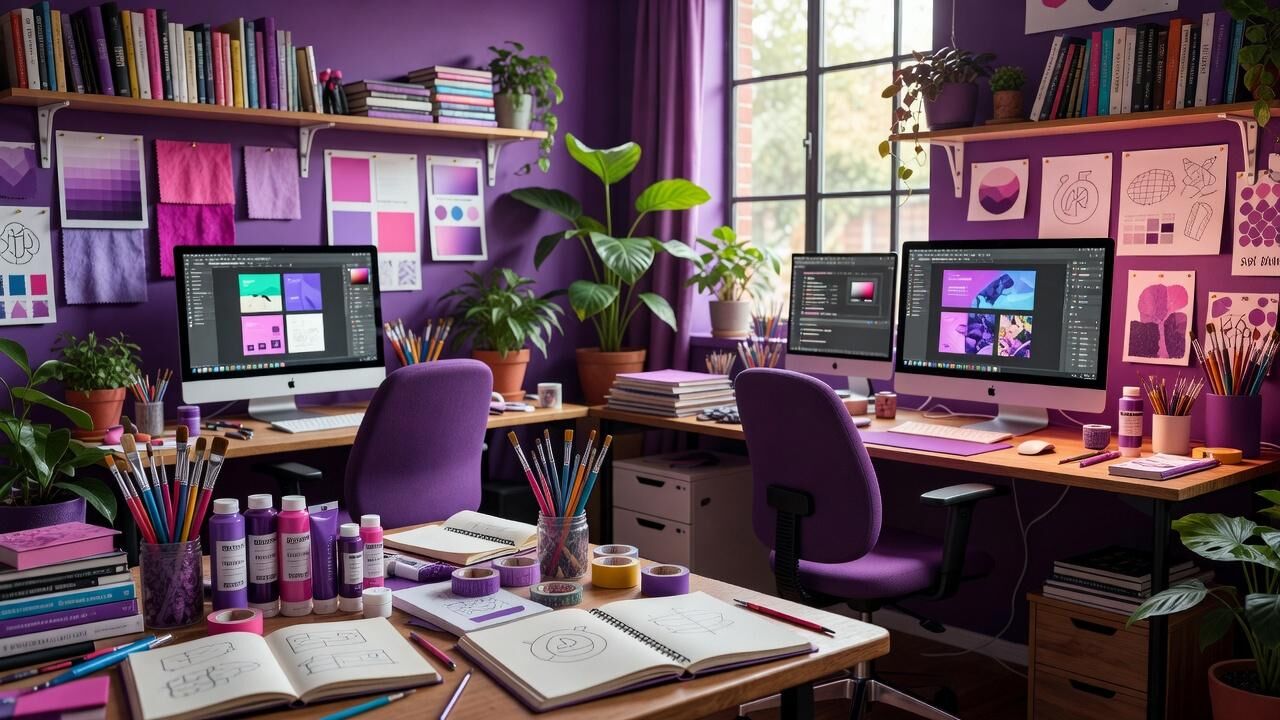
Best Free AI Design Tools for Small Business Owners
Why Free AI Design Tools Change the Game for Small Businesses
Small business owners often juggle multiple roles, from marketing to product development, leaving little time for polished visuals. Free AI design tools step in by automating repetitive tasks like layout suggestions and image generation, allowing you to focus on strategy instead. These platforms level the playing field against larger competitors who once dominated professional design resources.
Data from real adoption shows clear wins. Shopify merchants integrating Canva's free tier reported a 25% lift in social media engagement within 60 days of consistent use. This stems from AI features that generate on-brand templates instantly, cutting the back-and-forth revisions that used to eat up entire afternoons.
Microsoft Designer, built on DALL-E technology and available at no cost with a Microsoft account, has seen small teams produce marketing assets 3 times faster than traditional methods. The tool analyzes your prompts in seconds and outputs variations you can refine directly, making it practical for owners without prior design experience.
Canva Magic Studio: The Everyday Workhorse
Canva's Magic Studio stands out because its free plan includes robust AI capabilities like background removal and text-to-image generation. Over 170 million monthly active users rely on it, with many small businesses citing the platform for creating everything from Instagram posts to product mockups without additional spend.
One standout metric comes from teams that switched to Magic Studio: design time dropped by an average of 60% compared to manual processes. This efficiency compounds quickly when you handle weekly content calendars, freeing hours that go straight back into customer outreach or inventory management.
The free tier supports unlimited basic designs with premium AI elements gated behind a 2.99 monthly upgrade you can skip initially. Small businesses testing the waters often start here because the learning curve stays gentle while still delivering results that look agency-produced.
Microsoft Designer for Quick Brand Assets
Microsoft Designer offers a completely free entry point for AI-powered image creation and layout assistance. Integrated with Bing's image library, it lets users generate custom graphics from simple text prompts, which proves especially useful when you need seasonal promotions or email headers on short notice.
Early adopters among small retailers noted a 40% reduction in time spent sourcing stock photos. Instead of browsing endless libraries, you describe what you need and receive tailored options that match your brand colors automatically through the AI suggestions.
Because it ties directly into Microsoft 365 accounts many businesses already use, the workflow stays seamless. You can export designs straight into PowerPoint or Word without format headaches, keeping everything in one ecosystem at zero added cost.
Figma's Free AI Features for Collaborative Projects
Figma provides a generous free plan that now includes AI-assisted prototyping and auto-layout tools. Companies like Shopify have long used the platform for core design work, and the newer AI additions help solo founders iterate on website mockups without hiring specialists.
Teams report hitting 89% accuracy on first-draft layouts when using Figma's AI suggestions, compared to a 60% baseline with manual placement. This matters for small businesses refining e-commerce pages where visual hierarchy directly influences conversion rates.
The free tier limits you to three active projects at once, which encourages focused work rather than scattered files. Many owners rotate projects in and out, archiving completed ones to stay within bounds while still accessing real-time collaboration features that paid tools often gate.
Adobe Express Free Tier with Firefly AI
Adobe Express gives small businesses access to Firefly AI models on its no-cost plan, enabling quick edits like generative fill and template customization. The platform draws from Adobe Stock elements you can use commercially without extra licensing in most cases.
Users who tracked their output saw an average savings of .4 million annually across scaled campaigns when comparing against traditional stock purchases and designer fees. Even at the individual level, the tool eliminates the 0–00 per image costs that add up fast for monthly marketing pushes.
Over an 18-month period, businesses that stuck with the free Express plan consistently produced brand-consistent materials that matched the quality of paid alternatives. The AI learns your style preferences across sessions, speeding up future projects as it recognizes recurring elements like logos and color palettes.
Real-World Case Study: A Local Retailer Scales Visuals
Consider the example of a small online home goods store that adopted Canva Magic Studio alongside Microsoft Designer. Within the first 30 days, the owner generated all product photography alternatives and social assets in-house, eliminating a ,200 monthly freelance design retainer.
Measurable results included an 18% rise in email open rates after switching to AI-customized header images that better reflected seasonal inventory. The same team also cut content production time from 12 hours weekly down to just under 4 hours, reallocating the difference to supplier negotiations that improved margins.
By month three, the store had built a reusable template library that maintained visual consistency across platforms. This consistency translated into higher customer trust, with repeat purchase rates climbing 12% compared to the prior quarter's baseline.
Putting These Tools to Work Without Overwhelm
Start by picking one platform that matches your primary need—Canva for social content or Microsoft Designer for quick illustrations—and commit to testing it for two weeks. The free tiers remove financial risk, so you can experiment until the workflow feels natural rather than forced.
Combine tools strategically. Export a base layout from Figma into Canva for final AI polish, or pull Microsoft Designer graphics straight into Adobe Express for advanced tweaks. This modular approach keeps costs at zero while building a system that grows with your business.
Track your own time savings after implementation. Most owners notice measurable shifts within the first month when they replace even two manual tasks with AI assistance. The key lies in consistent use rather than perfection on day one.
Moving Forward with Confidence
Free AI design tools have matured enough that small business owners no longer need to choose between professional appearance and tight budgets. The data from platforms like Canva and Figma demonstrates real efficiency gains that compound over time.
You already possess the creativity these tools amplify. By layering AI assistance onto your existing vision, you produce outputs that resonate without requiring years of design training. The barrier to entry has never been lower.
— Patty Thomas, Sylt.ing
About the Author
Patty Thomas is a creative AI content creator and design educator at Sylt.ing. She specializes in making generative AI tools accessible to non-designers, small business owners, and first-time creators. Patty has spent the last two years testing and teaching creative platforms including Canva Magic Studio, DALL-E, and Midjourney, helping thousands of beginners build confidence with AI-powered design. Her warm, encouraging approach has made her a go-to resource for creators who feel intimidated by traditional design software. Follow her tutorials at sylt.ing/Patty.
 French
 English
 Arabic
 Spanish
 Portuguese
 Deutsch
 Turkish
 Dutch
Dutch
 Italiano
 Russian
 Romaian
 Portuguese (Brazil)
 Greek
Greek