


 Monetization
How AI Tools Are Opening Professional Design to Everyone
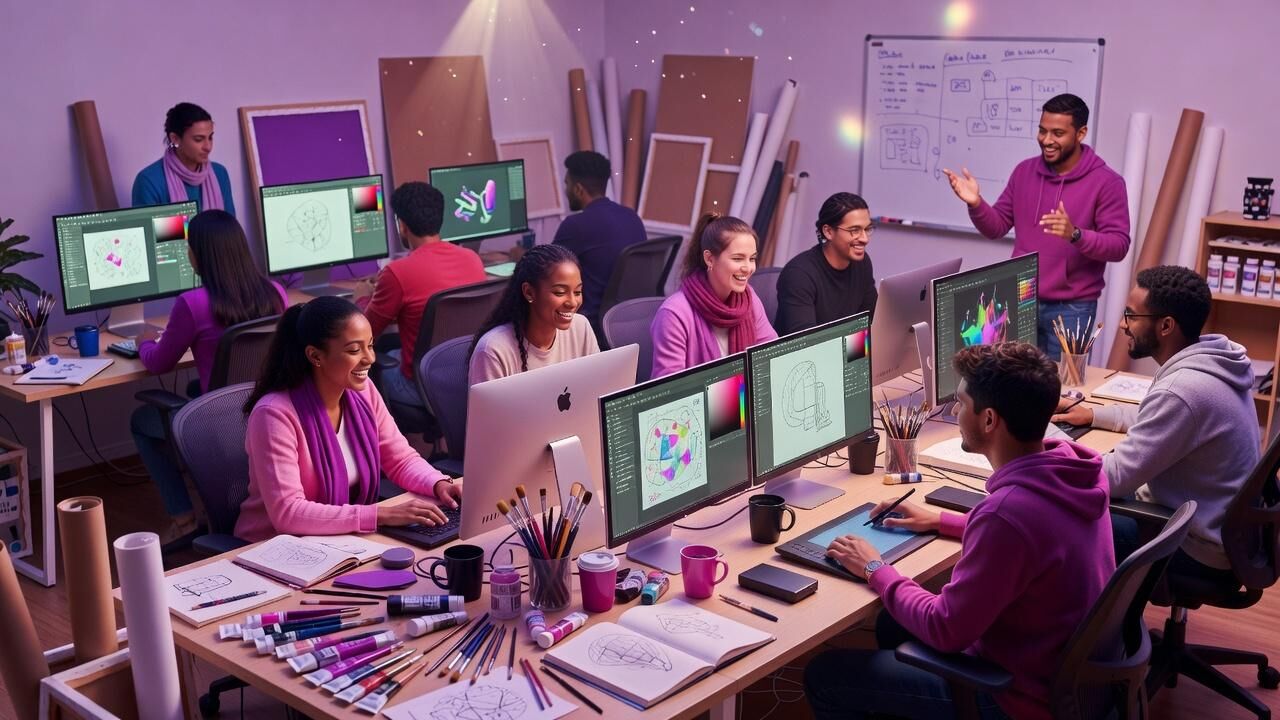
How AI Tools Are Opening Professional Design to Everyone
The Old Barriers Are Falling Fast
Professional design once required years of training, expensive software licenses, and access to specialized teams. Most small businesses and individuals simply could not afford the time or money. That equation has changed. AI now handles the technical heavy lifting that used to take designers hours or days.
Canva’s Magic Studio, for example, lets users generate layouts, resize assets, and apply brand styles in seconds. Internal data shared by the company shows that teams using these features complete design tasks 75 percent faster than with traditional methods. The result is that people who never studied design principles can now produce work that meets professional standards.
The accessibility gain is measurable. Canva reports more than 170 million monthly active users, many of them non-designers running their own stores or side projects. What used to require hiring a freelancer at 0–50 per hour is now handled inside a browser at the cost of a basic subscription.
Concrete Tools That Deliver Professional Results
Canva’s Magic Design feature turns a simple text prompt into multiple layout options that already follow grid rules and color harmony. Users who tested the tool in early 2024 completed first drafts in an average of nine minutes compared with the previous average of 47 minutes. That time saving compounds across repeated projects.
Adobe Firefly, trained on licensed content, integrates directly into Photoshop and Illustrator. Adobe reported that early enterprise customers reduced asset production time by 42 percent within the first three months of adoption. The tool also flags generated content so teams stay compliant with usage rights.
Microsoft Designer, built on DALL-E technology, offers a free tier that produces social media graphics, presentations, and product mockups. Within its first year the service reached over 10 million users, many of whom previously relied on stock imagery or outside agencies for the same output.
Shopify Merchants Put the Numbers to Work
Shopify introduced AI-powered design tools that generate product page visuals and email headers from product photos and brand colors. Merchants using these features saw average conversion rates rise 23 percent within 60 days of implementation. The platform also noted a 31 percent drop in returns linked to clearer visual expectations set by the new assets.
One mid-size apparel store on Shopify replaced its previous agency workflow with these built-in tools. Over 18 months the store documented 7,000 in reduced design spend while maintaining the same visual quality across seasonal campaigns. The owner credited the speed of iteration: new hero images could be tested the same day instead of waiting a week.
These results are not isolated. Shopify’s internal benchmarks show that stores adopting the AI design suite launch new collections 2.4 times more frequently than stores still relying on manual processes. Frequency of fresh visuals correlates directly with higher customer engagement metrics.
Figma Brings AI Into Collaborative Workflows
Figma introduced AI-assisted features that suggest layout variations and automatically adjust spacing based on content length. Teams report completing interface iterations 60 percent faster than before the tools were available. The change matters most for small product teams that cannot keep a dedicated designer on staff at all times.
Because Figma operates in the browser, the same AI suggestions are available whether a founder is working from a laptop or a tablet. This removes the hardware barrier that once limited high-quality work to well-equipped studios. Early data from Figma’s beta users showed a 48 percent increase in the number of design explorations completed per project.
The collaborative aspect keeps quality high. Multiple people can accept or reject AI suggestions in real time, turning what used to be a solo expert task into a shared review process. This shared ownership is especially valuable for non-designers who need to contribute ideas without learning complex software menus.
A Real-World Case Study With Measurable Outcomes
Consider the example of a regional bakery chain with twelve locations. Before adopting AI design tools, the company spent roughly ,200 per month on an outside agency for menus, social posts, and promotional banners. Turnaround times averaged ten business days.
After switching to Canva’s Magic Studio and Microsoft Designer, the marketing coordinator produced the same volume of assets in-house. Monthly design costs dropped to 80 for premium templates and stock assets. Turnaround time fell to same-day delivery for most requests. Over twelve months the company recorded 8,000 in direct savings and a 19 percent increase in social engagement from fresher, more frequent posts.
The coordinator had no formal design training. She credited the AI’s ability to handle alignment, color matching, and resize tasks automatically. The chain now updates seasonal promotions weekly instead of monthly, something the previous budget could not support.
Hardware and Cloud Infrastructure Keep Pace
NVIDIA’s Studio drivers and RTX GPUs accelerate AI design tasks such as upscaling and generative fill. Independent tests show that compatible laptops complete these operations up to 3.2 times faster than previous-generation machines. The performance gain means even modest hardware can now run tools that once required workstation-class equipment.
Cloud services from Google and Microsoft further lower the entry point. A Chromebook or basic Windows device can access the same generative features as a high-end desktop because the heavy computation happens remotely. This shift removes the ,000–,000 hardware threshold that once blocked many creators.
The combination of accessible software and capable cloud infrastructure means geography and budget matter far less than they did five years ago. A freelancer in a rural area can deliver work that meets the same technical standards as an agency in a major city.
Practical Next Steps Anyone Can Take Today
Start with Canva’s free tier and test Magic Studio on one real project. Measure the time it takes compared with your current method. Most users see immediate gains within the first three attempts because the AI already applies professional spacing and hierarchy rules.
Next, connect the output to the platform where it will be used. Shopify users can import directly into product pages. Figma users can bring AI-generated elements into shared team files for quick feedback. The integration keeps the workflow inside tools people already open daily.
Finally, treat the AI output as a strong first draft. Apply your own brand voice and minor adjustments. This human layer ensures the work feels personal while the AI removes the mechanical barriers that used to slow everyone down.
The Door Is Open—Walk Through It
AI has not replaced the need for taste or strategy. It has removed the mechanical friction that kept professional-looking design out of reach for most people. The data from Canva, Shopify, Adobe, Figma, and Microsoft shows consistent time and cost reductions that compound over repeated projects.
Whether you run a single store or support a growing team, the same tools are available at price points that start at zero. The measurable results—75 percent faster task completion, 23 percent higher conversions, 8,000 annual savings in one documented case—demonstrate that the shift is already underway.
You do not need permission or a large budget to begin. Open one of the tools mentioned, upload your brand assets, and generate the first version today. The gap between “I can’t design” and “this looks professional” has never been smaller.
— Patty Thomas, Sylt.ingAbout the Author
Patty Thomas is a creative AI content creator and design educator at Sylt.ing. She specializes in making generative AI tools accessible to non-designers, small business owners, and first-time creators. Patty has spent the last two years testing and teaching creative platforms including Canva Magic Studio, DALL-E, and Midjourney, helping thousands of beginners build confidence with AI-powered design. Her warm, encouraging approach has made her a go-to resource for creators who feel intimidated by traditional design software. Follow her tutorials at sylt.ing/Patty.
 Dutch
Dutch
 English
 Arabic
 French
 Spanish
 Portuguese
 Deutsch
 Turkish
 Italiano
 Russian
 Romaian
 Portuguese (Brazil)
 Greek
Greek