


 Monetization
Unlock Your Creativity: AI Tools Anyone Can Use
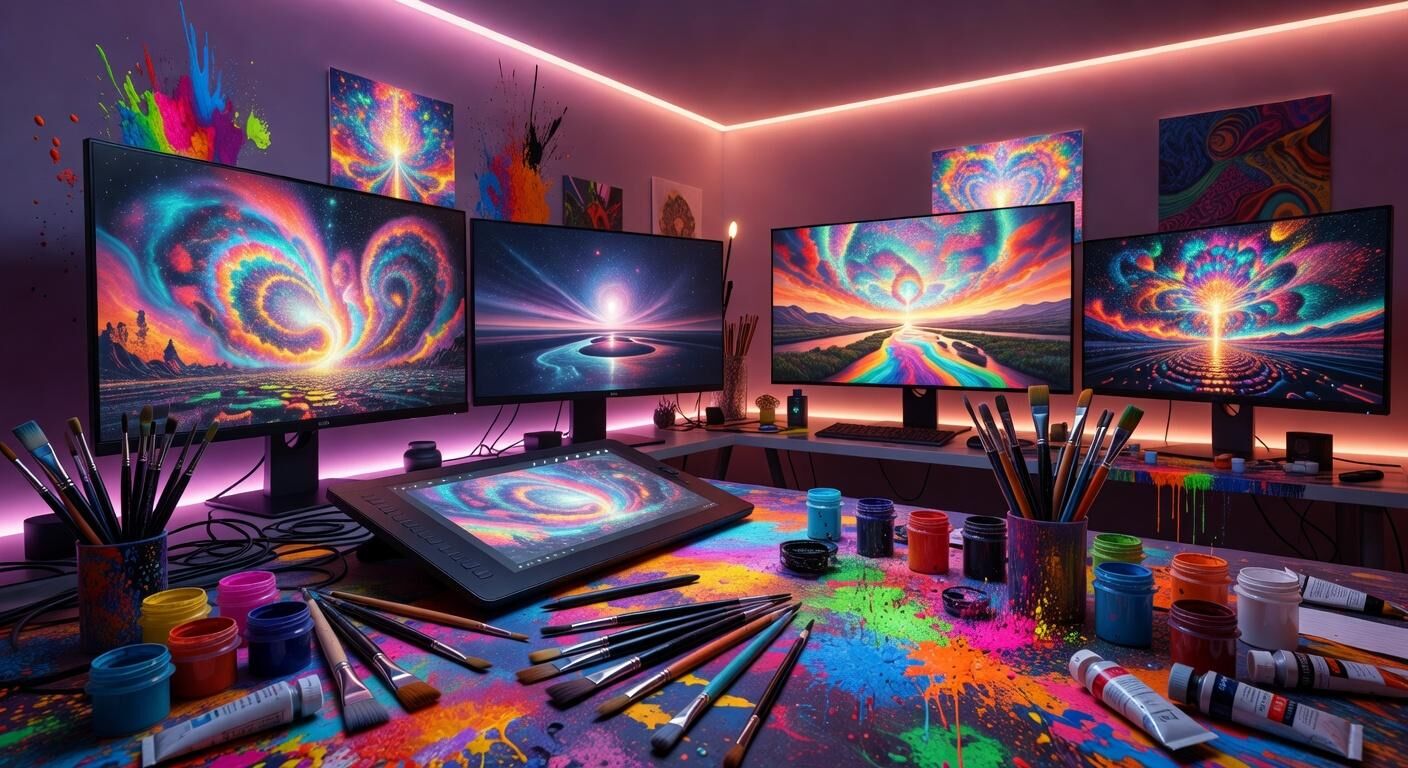
Unlock Your Creativity: AI Tools Anyone Can Use
Hey there, friend. If you’ve ever stared at a blank screen wishing you could design something beautiful but felt like you lacked the skills, you’re not alone. The good news? Creative AI tools have changed the game. You don’t need years of design experience or expensive software anymore. Tools like Canva Magic Studio, DALL-E, and Midjourney put professional-looking results right at your fingertips. Whether you’re making social media graphics, book covers, or just exploring for fun, these tools welcome beginners with open arms. Let’s walk through how you can start creating today.
Why AI Tools Feel Made for Non-Designers
Creative AI removes the intimidation factor. Instead of learning complex menus and shortcuts, you describe what you want in plain words. The technology handles the heavy lifting. This means you can focus on your ideas rather than technical details. Many people who once felt “not artistic enough” now create weekly without stress. You bring the vision; AI brings the execution. That partnership is powerful and surprisingly joyful.
Canva Magic Studio: Design Magic Made Simple
Canva has long been the go-to for beginners, and Magic Studio takes it even further. Open Canva, click the Magic Studio button, and you’ll find tools like Magic Write, Magic Edit, and Background Remover. Want a matching color palette for your blog post? Type a few words and watch it appear. Need to swap an object in a photo? Highlight it and describe the replacement. Start with a template, then let Magic Studio refine it. Pro tip: Use short, specific prompts like “warm sunset tones with soft pastels” for best results. Within minutes you’ll have polished graphics that look like they took hours.
DALL-E: Turning Your Words into Beautiful Images
DALL-E lives inside ChatGPT and makes image creation feel like chatting with a helpful artist. Simply describe the scene you imagine—“a cozy reading nook with fairy lights and a steaming mug of tea, soft morning light”—and DALL-E generates options. Beginners love starting with simple subjects before adding details. Try generating a few variations, then pick your favorite and ask for edits: “make the chair blue” or “add more plants.” Save the images directly for personal projects or social posts. Remember, the clearer your description, the better the output. You’ll be amazed how quickly your ideas become visuals.
Midjourney: Creating Epic Art Through Conversation
Midjourney works inside Discord, which might sound unusual at first but quickly feels natural. Join the Midjourney server, head to a beginner channel, and type /imagine followed by your prompt. The bot generates four images you can upscale or remix. New users often begin with nature scenes or simple portraits to learn the style. A helpful trick is adding parameters like --ar 16:9 for widescreen or --v 6 for the latest quality. Don’t worry about perfect wording right away—experiment and iterate. Many non-designers discover they love the playful back-and-forth of refining prompts until something clicks.
Practical Tips to Build Confidence Fast
Start small. Pick one tool and spend just fifteen minutes playing with it daily. Keep a note of prompts that work well so you can reuse the structure. Combine tools too—generate an image in DALL-E, then drop it into Canva for text and layout magic. Share your early creations with supportive friends; their encouragement fuels momentum. Most importantly, release the pressure to be perfect. These tools reward curiosity over expertise. The more you create, the more your unique style emerges.
Your Creative Journey Starts Right Now
You don’t need permission or a fancy degree to begin. Open Canva tonight, try a Magic Studio feature, or describe your first scene to DALL-E. Every beautiful thing you make is proof that creativity belongs to you. These AI companions are here to cheer you on, not replace your voice. So take a deep breath, type that first prompt, and watch what happens. I believe in what you’ll create.
— Patty Thomas, Sylt.ing
 Portuguese (Brazil)
 English
 Arabic
 French
 Spanish
 Portuguese
 Deutsch
 Turkish
 Dutch
Dutch
 Italiano
 Russian
 Romaian
 Greek
Greek