


 Monetization
Zine Layouts in 2026: How AI Turned a Dying Art Form into My Fastest Creative Workflow
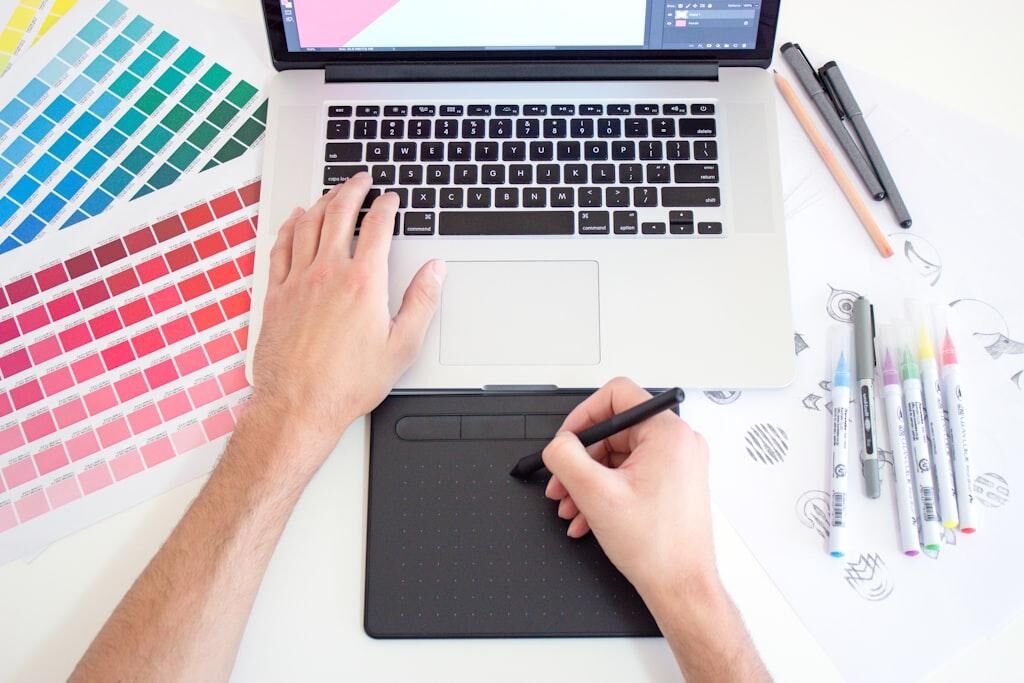
Zine Layouts in 2026: How AI Turned a Dying Art Form into My Fastest Creative Workflow
I'll admit it: I spent most of 2025 worried that generative AI would flatten design into one long, identical scroll — every cover the same wavy gradient, every layout the same polite sans serif. Then a small record label asked me to lay out a twenty-four-page zine for its anniversary: photocopier grime, misaligned columns, the whole basement aesthetic of 1994. My old process — hand-cutting paper, scanning textures, kerning headlines by hand — would have eaten a week. With a stack of AI-assisted tools I finished in a long weekend, and the finished pages looked so authentically rough that the label asked whether I'd "found an old file from the nineties." That experience flipped my thinking. AI is not a crutch for the handmade; it is a xerox machine for the imagination.
Zine culture never really died — it just moved underground and then came back with the tactile cravings of a screen-fatigued decade. What has changed is the tooling around it. This guide walks through how to use AI for zine layouts in 2026: generating imperfect textures on purpose, letting automation handle typography and pre-flight, and keeping the human mess that makes a zine feel like a zine.
The Revival Nobody Screenshotted
Zines are self-published, small-circulation booklets, usually photocopied or risographed, and they have a longer, weirder history than most people realize. The modern zine descends from punk's do-it-yourself ethic in the late seventies and eighties, when a photocopier and a stapler were enough to publish. Mike Gunderloy's Factsheet Five, which ran from 1982 to 1998, reviewed thousands of these tiny publications and became a mail-order hub for a scattered scene. Aaron Cometbus has published his namesake zine since 1981, making it one of the longest-running titles in the form. In the early nineties, riot grrrl zines gave a generation of young women a place to write about music, politics, and daily life outside commercial media. Broken Pencil, founded in Canada in 1995, still covers the zine and independent-publishing world today.
That heritage matters for anyone using AI now, because the form's power was never the polish. It was the willingness to publish with very few resources. Zine libraries — like the one Barnard College founded in 2002 — and annual gatherings like the Portland Zine Symposium keep that spirit alive. The point is not to make zines look professional; it is to make them at all. AI lowers the layout barrier in exactly the same way the photocopier did.
The Real Cost of Layout Purgatory
Let's be honest about the traditional pain. A sixteen-page zine is a small book, and small books have big requirements: a baseline grid, consistent margins, a display font that pairs with a body font, spreads that balance, and a print file that won't get bounced. None of that is impossible — but for a writer, a musician, or a first-time publisher, it is a wall. The layout-software learning curve alone has killed more zines than bad printing ever did.
Then there is the blank-page paralysis. You have twelve poems, eight illustrations, and a manifesto, but no idea where to start. In my experience, reacting is much faster than inventing from scratch: give a creator fifty rough thumbnail sketches and they will instantly know which one is right. AI is brilliant at producing those starting points in seconds. It does not make the tasteful choices for you — it hands you a pile of options and lets your eye do the editing, which is the part that actually makes a zine personal.
The 2026 Tool Stack for Zine Makers
The good news: you do not need an expensive software suite. The best zine stack right now is a mix of free and low-cost tools. Canva's Magic Studio, which launched in October 2023, has become genuinely good at multi-page documents, and Canva Pro runs about thirteen dollars a month for individuals — a fraction of a traditional layout seat. Canva reports more than 190 million users and over 20 billion designs created, which tells you how accessible the platform has become.
For generative imagery, Adobe Firefly arrived in March 2023 and was designed from the start for commercial work — it was trained on Adobe Stock and licensed or public-domain content, which matters if you plan to sell your zine. It is included in a Creative Cloud plan; the Photography plan runs about ten dollars a month. Midjourney offers published tiers around ten, thirty, or sixty dollars a month, and its stylized output is a favorite for cover art. DALL-E 3, released in October 2023, is available through ChatGPT Plus at twenty dollars a month, and Bing's Image Creator offers a free tier. If you want full control and a zero-dollar budget, Stable Diffusion is open source, and lightweight fine-tunes called LoRAs let you teach it a consistent aesthetic.
For the layout itself, Figma is a strong collaborative choice, Adobe InDesign remains the professional standard, and budget-friendly options like Affinity Publisher or the free, open-source Scribus can handle a full booklet. None of these tools replace your eye. They replace the hours.
Designing for Chaos: Texture Without the Grind
Zines are supposed to look rough: toner smudges, paper grain, coffee stains, misregistered color. The irony is that authentic roughness is hard to fake by hand — when I try to place noise deliberately in Photoshop, I am always too neat. Generative tools have no such bias. Ask for "1990s photocopier toner, high contrast, uneven distribution, paper jam" and you will get variations that look dragged through a real machine.
The technique is specificity. Generic prompts like "grunge texture" produce generic results; prompts that name a physical process — risograph overprint, newsprint grain, photocopy moiré, xerox streaks — produce textures with personality. Generate twenty variations in one click, then pick the three that feel right. That curation step is what keeps the zine human. You are not asking the AI to be an artist; you are asking it to be an extremely fast print shop, and you remain the art director.
Typography That Flows, Rules Worth Breaking
Typography is where amateur zines fall apart: inconsistent leading, mismatched pairings, widows and orphans breaking the rhythm of a page. The fixes are well documented. Keep a small palette — one loud display face for headlines and one sturdy body face, ideally a monospaced or typewriter-style font for that zine voice. Set a baseline grid and stick to it. Watch for "rivers," the white gaps that form in justified text, and loosen word spacing or switch to left-aligned text when they appear. Check that no headline is orphaned at the bottom of a page.
Modern layout tools automate most of this — auto-hyphenation, optical margins, and paragraph styles all exist in Figma, InDesign, and even Canva. Use the automation to get a flawless baseline, then intentionally break one rule at a time: let a headline overlap an image, set a paragraph at a slight angle, leave a column misaligned on purpose. Controlled chaos is the hallmark of great zine design. The machine keeps the structure sound; you add the punk.
Collage and Composition: Keeping the Cut-and-Paste Soul
Zines are visual first. The classic collage aesthetic — cut photos, overlapping edges, tape and glue — is iconic, and doing it digitally used to mean hours of masking and blending. Generative fill and layout tools have changed that math. You can assemble a folder of source images, generate a range of compositions from neat grids to chaotic overlaps, and refine the one that has the most energy.
A few composition instincts are worth internalizing: put the focal point of an image away from the center, balance a face looking left with text on the right, and leave generous negative space around the loudest element. These rules take designers years to internalize; AI tools now suggest them instantly. That is not a threat to your voice — it is a data-driven layer of polish that used to be gated behind a four-year design degree. You still make the expressive choices. You just make them faster.
Print-Ready Without the Panic
The least glamorous part of zine-making is the print file, and it is where projects die. The non-negotiables: images at 300 DPI or higher, color in CMYK for commercial printing (RGB is for screens), and a bleed of about one-eighth of an inch on every edge so trim marks never shave your artwork. Export as a PDF/X file, check that all fonts are embedded, and order a proof before the full run.
Print-on-demand services like Mixam, Lulu, and Printful make short runs practical, and their online pre-flight tools catch low-resolution images, missing bleeds, and color-profile mistakes in seconds. For a publisher doing a few issues a year, that pre-flight step is the difference between a fun weekend and a box of misaligned zines. It will not make you a better designer, but it will keep your first print run from becoming a three-hundred-dollar lesson in humility — and a proof copy is a much cheaper teacher.
What This Means
Here is what I think is actually happening. Generative AI is not replacing the handmade aesthetic; it is re-democratizing it. The photocopier made zines possible for anyone with access to a machine and a stack of paper. AI-assisted layout tools are doing the same for the design layer: the person who cannot afford a full software suite, cannot spend a week learning grids, and cannot hire a designer now has a credible path to a finished booklet. The constraints that kept zines exclusive — software cost, technical skill, time — are dissolving.
There are real cautions. If every zine uses the same generic prompts, the scene will homogenize, which is the opposite of what zines are for. And creators should remember that U.S. copyright law, per the Copyright Office's March 2023 guidance (published at 88 FR 16190), protects human authorship: AI-assisted work can be registered when a human makes meaningful creative choices, but purely generated output is not protected the same way. The practical answer is the same as the aesthetic one — use AI as a collaborator, document your choices, and keep making the weird decisions yourself.
A Six-Hour Weekend Workflow
Here is a concrete plan, assuming your writing and images are ready. Hour one: prepare. Create a sixteen-page frame in your layout tool, paste your text, and define the rough page order — cover, colophon, content, back cover. Generate five to ten cover candidates and pick one. Hours two and three: assemble. Use your tool's layout or autofill features to draft the spreads, then go into artisan mode — rotate an image, overlap a headline, swap in a texture you generated. Hours four and five: refine. Check typography, fix widows and orphans, add page numbers and a colophon, and let the automation handle hyphenation and spacing. Hour six: pre-flight and export. Convert to CMYK, confirm 300 DPI and the one-eighth-inch bleed, run the print service's pre-flight checker, fix whatever it flags, and order a proof. Fold, staple, and you are done — you have spent your creative energy on the actual content, which is the whole point.
The Future Is Analog
The persistent fear is that AI will kill the handmade. I believe the opposite: by automating layout math, typography rules, and print pre-flight, AI frees us to spend our energy on the expressive, chaotic, deeply human parts of making a zine. The imperfections we choose to keep become intentional — a deliberate wobble instead of a software accident. In a screen-fatigued world, people crave the tangible: paper you can smudge, staples you can feel, a pamphlet that fits in a pocket. AI does not threaten that. It makes it possible for more people to participate.
So go make something messy. Generate fifty bad covers so you can find the one good one. Let the machine fix your margins while you write the manifesto. The zine was always a rebellion against corporate design; using AI to make it faster and cheaper is the most punk thing you can do in 2026. The machine does the boring work. You do the art.
— Patty Thomas, Sylt.ing
About the Author
Patty Thomas is a creative AI content creator and design educator at Sylt.ing. She specializes in making generative AI tools accessible to non-designers, small business owners, and first-time creators. Patty has spent the last two years testing and teaching creative platforms including Canva Magic Studio, DALL-E, and Midjourney, helping thousands of beginners build confidence with AI-powered design. Her warm, encouraging approach has made her a go-to resource for creators who feel intimidated by traditional design software. Follow her tutorials at sylt.ing/Patty.
 Spanish
 English
 Arabic
 French
 Portuguese
 Deutsch
 Turkish
 Dutch
Dutch
 Italiano
 Russian
 Romaian
 Portuguese (Brazil)
 Greek
Greek