


 Monetization
Claude + Canva Integration: Create & Post Designs Without Leaving Claude
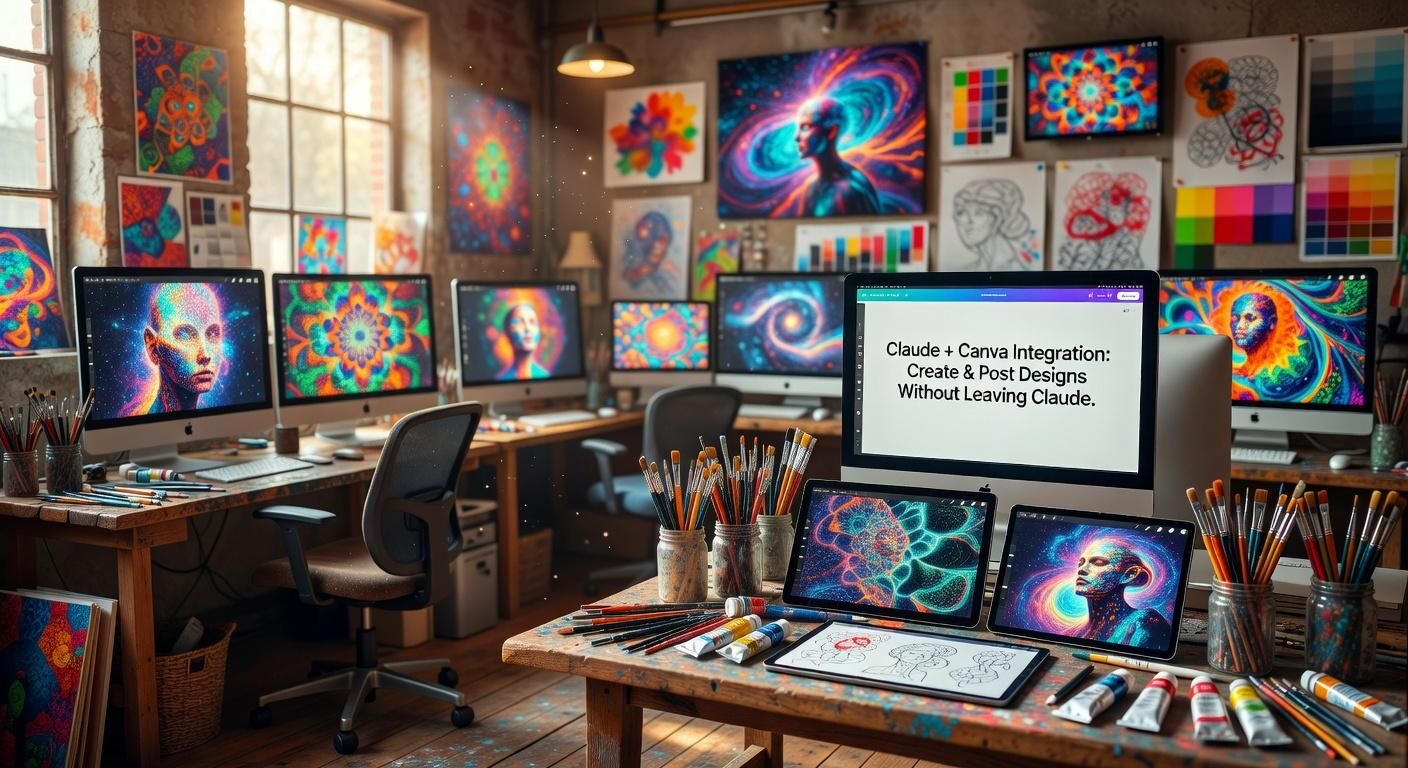
Claude + Canva Integration: Create & Post Designs Without Leaving Claude
Design workflows just got a major upgrade. Claude now connects directly to Canva, letting you generate, refine, and even prepare designs for posting without ever switching tabs. This integration turns Claude into a true creative partner that understands both your ideas and Canva’s design tools.
How to Connect Claude to Canva
Setting up the integration takes less than a minute. Open Claude settings, navigate to the Connectors section, browse the available options, and add Canva. Once authorized, Claude gains the ability to create and edit designs on your behalf.
After connecting, simply ask Claude what it can do with Canva. It will walk you through its current capabilities and suggest the best ways to use the new link. Many users start by requesting an infographic or social media graphic and watch as Claude builds it in real time.
What You Can Create Right Now
The integration shines when you need visuals quickly. Ask Claude to build an infographic summarizing key data, design a promotional poster, or generate a full carousel for Instagram or LinkedIn. Because Claude stays in the conversation, you can iterate instantly—change colors, adjust text, or swap layouts with simple follow-up prompts.
Creators especially love using the tool for carousel posts. Instead of jumping between ChatGPT, Canva, and your content calendar, you can describe the entire sequence in one message and let Claude handle the structure, copy, and visual hierarchy.
Why This Changes the Creative Process
Speed and flow matter more than ever for content creators. By removing the constant tab-switching, the Claude-Canva connection keeps ideas moving from concept to finished asset in one place. It also reduces context loss—Claude remembers your brand voice, previous designs, and specific preferences throughout the session.
The feature feels especially natural for marketers, educators, and small business owners who regularly need on-brand graphics but don’t want to master every Canva shortcut. Claude handles the heavy lifting while you focus on the message.
Pro Tips for Better Results
Be specific with your prompts. Instead of “make a poster,” try “Create a minimalist event poster for a sustainability workshop using soft greens and bold sans-serif text.” The more context you give, the more accurate the first draft becomes.
You can also request variations. After Claude delivers an initial design, ask for three different color palettes or a version optimized for stories versus feed posts. This back-and-forth feels more like collaborating with a designer than using separate tools.
Stay in the Loop
This integration is still evolving, with new capabilities rolling out regularly. For the most up-to-date walkthrough and advanced techniques, check out Sabrina Ramonov’s recent YouTube video on the topic. She demonstrates real examples and shares prompt ideas that help you get the most from the connection.
Ready to try it? Head into your Claude settings, add the Canva connector, and start building your next design today. The future of creative work is conversational—and it’s already here.
 Spanish
 English
 Arabic
 French
 Portuguese
 Deutsch
 Turkish
 Dutch
Dutch
 Italiano
 Russian
 Romaian
 Portuguese (Brazil)
 Greek
Greek