


 Monetization
Disaster Recovery Planning for SMBs
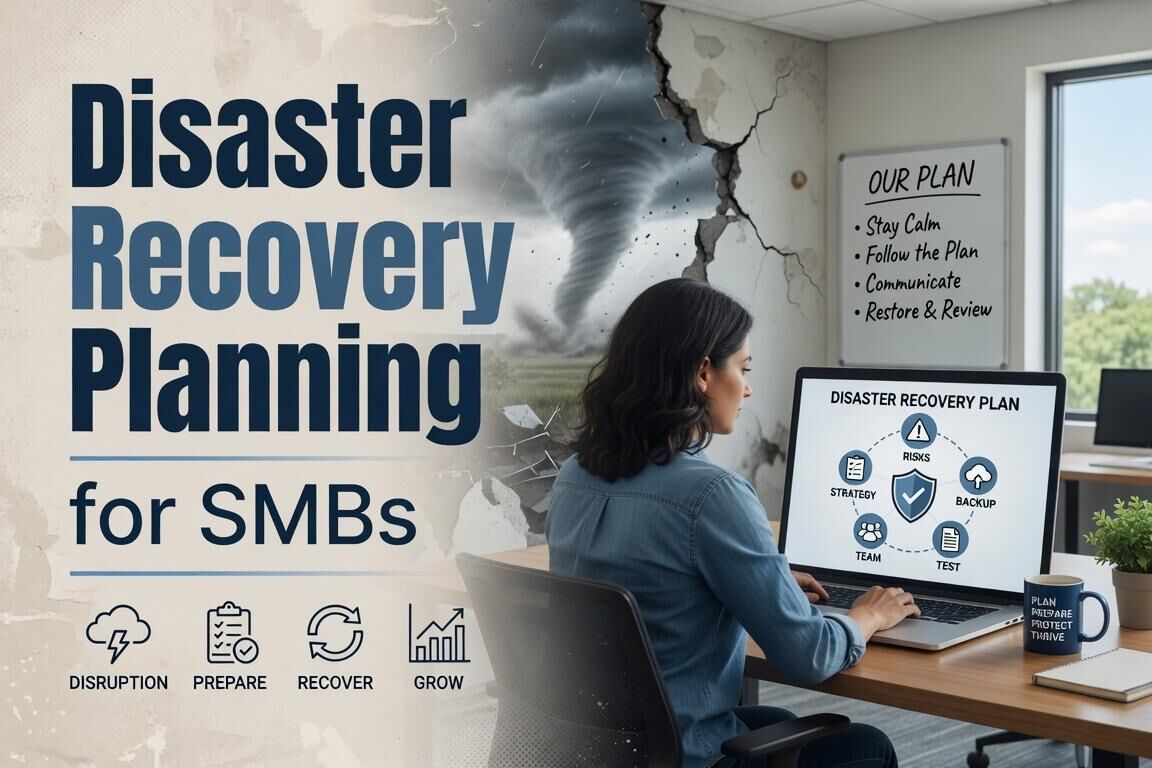
Disaster Recovery Planning for SMBs
Why Most Small Shops Get This Wrong
Too many SMBs treat backups as an afterthought until a server dies or a ransomware note appears on the screen. Two years ago a client lost an entire week of orders because their only copy sat on a single NAS that failed during a power spike. Straight talk: if your infrastructure has one point of failure, you already have a recovery problem. Last quarter another outfit discovered their nightly script had been silently failing for six weeks because nobody checked the logs. Production experience shows that hope is not a strategy when the primary site goes dark.
Setting Realistic RTO and RPO Targets
Define your recovery time objective and recovery point objective before you touch any tools. For most retail SMBs that means RTO under four hours and RPO under one hour. Anything longer and you are looking at lost revenue that compounds daily. Write the numbers down and get the owner to sign off; vague goals produce vague results when the site goes dark. Factor in staff availability too. If your only sysadmin is on vacation, the clock still runs. Test these targets against real hardware constraints rather than marketing slides from vendors.
Building a 3-2-1 Backup Architecture
Follow the 3-2-1 rule with production data: three copies, two different media types, one offsite. In practice this looks like nightly Veeam jobs writing to a local Synology NAS, a second copy replicated to a Vultr block storage volume, and a third copy pushed to Backblaze B2. Skip any of those legs and you are gambling with the business. Add a quarterly tape rotation for long-term archival if regulatory needs apply. Monitor deduplication ratios closely; a sudden drop often signals corruption before it becomes obvious in a restore test.
Choosing Hosting That Actually Supports Recovery
Shared hosting and single-region VPS plans will not cut it. Move production workloads to providers that offer built-in snapshot replication across availability zones, such as Linode or DigitalOcean with their reserved IP and volume snapshot features. For anything running VMware, replicate to a second Equinix cage using Zerto or native vSphere replication. The monthly cost difference is usually under fifty dollars and saves you from having to rebuild an entire stack from scratch. Avoid oversubscribed hosts that throttle IOPS during mass restores; real-world tests on OVH and Hetzner have shown consistent performance when the load spikes.
Running Actual Recovery Tests
A plan that has never been tested is not a plan. Schedule quarterly fire drills: spin up a clean Proxmox host, restore the latest Veeam backup, and measure how long it takes to reach a functional state. Document every step and every surprise. One client discovered their database restore required a missing encryption key that only existed on a departed employee’s laptop. Fix these gaps before they matter. Time the entire process including DNS cutover and application startup; theoretical numbers rarely survive contact with actual hardware.
Documenting and Updating Your Playbook
Write down the exact sequence of commands, contact lists, and decision trees. Store the playbook in at least two locations separate from production systems. Update it after every test or infrastructure change. Last month a simple OS patch altered a service dependency and broke an otherwise solid restore path. Version the document so you can roll back to a known-good state if an update introduces new issues. Keep it concise enough that a contractor can follow it at 3 a.m. without calling you.
Budgeting for Recovery Without Breaking the Bank
Real production experience shows recovery does not require enterprise budgets. Allocate roughly ten percent of monthly hosting spend to redundant storage and testing time. A basic setup with Synology, Backblaze B2, and scheduled Proxmox tests often lands under two hundred dollars a month for mid-size SMB workloads. Track the cost of downtime in real dollars; once you quantify lost sales per hour, the justification for proper infrastructure becomes obvious to any owner who has lived through an outage.
Allan Ali Chief Editor.
 Turkish
 English
 Arabic
 French
 Spanish
 Portuguese
 Deutsch
 Dutch
Dutch
 Italiano
 Russian
 Romaian
 Portuguese (Brazil)
 Greek
Greek